
Tcl tutorials, labs & MCQs.
Tcl in two parts. Part I is a complete Tcl education that needs no EDA tool and no VLSI background: running your first script, the command-and-substitution execution model that explains every later surprise, values and expr, operators, strings, lists, dictionaries and arrays, conditions, iteration, procedures, scope and namespaces, files and paths, regular expressions, the error model, and assembling a script another engineer can run. Part II applies that foundation to semiconductor work and never re-teaches it — how a tool embeds Tcl and where vendors diverge, collections and design objects, design-database querying, SDC as Tcl, synthesis and sign-off STA automation, physical design, simulator and verification Tcl, report and log processing, multi-corner multi-mode flows, reusable flow infrastructure, the hand-off to Bash / Make / Python, debugging a production flow, and six scripts engineers actually ship. Standard Tcl and vendor tool commands are kept distinct throughout: get_cells, create_clock and report_timing are named as tool additions, not as Tcl.
Tutorials
Learn Tcl from beginner to advanced through structured tutorials.
Labs
Practice Tcl using progressively challenging hands-on labs.
MCQs
No MCQ papers for Tcl yet.
What Tcl is
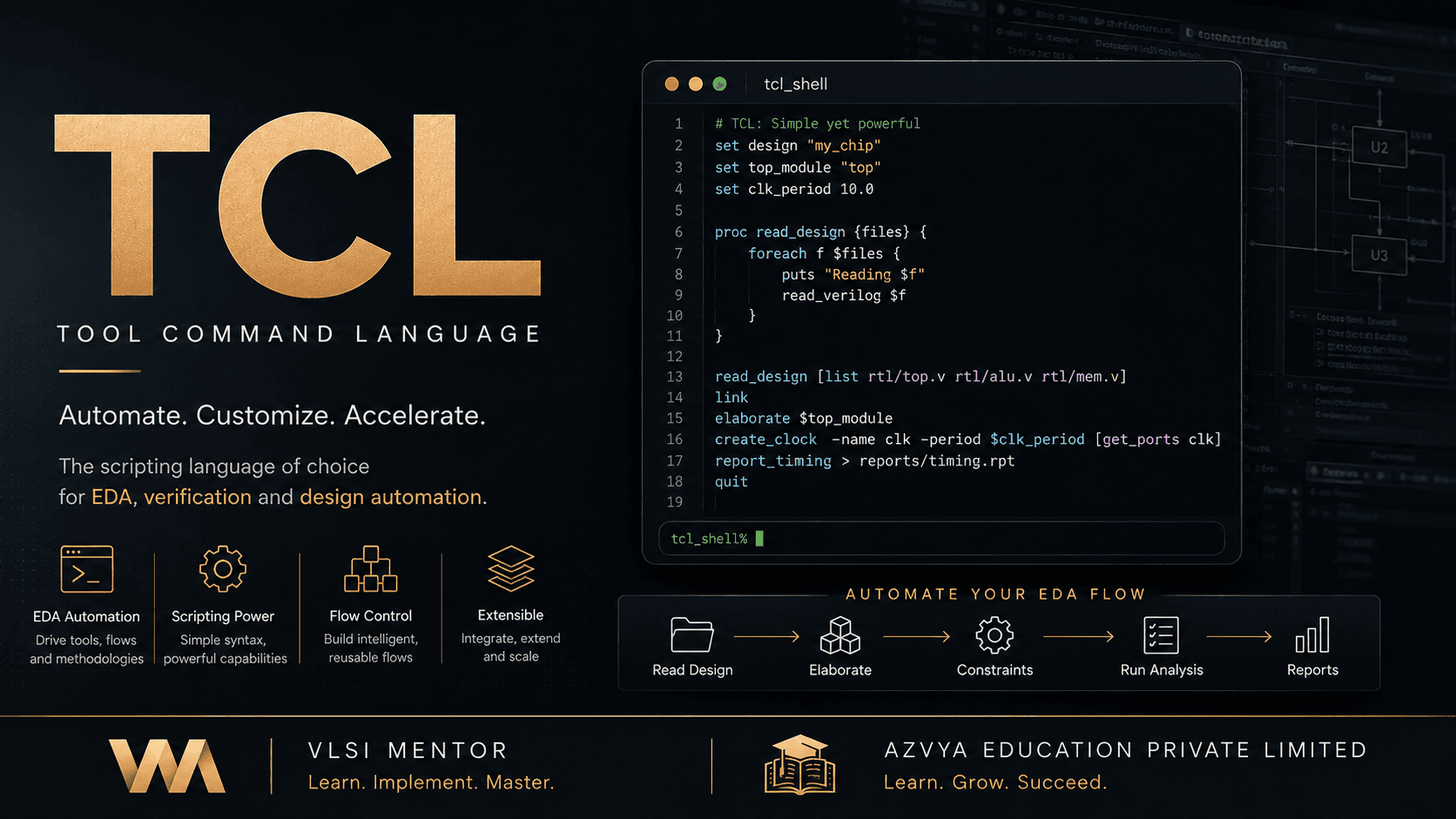
Tcl is a small, dynamically typed scripting language whose entire syntax is one rule: a command is a list of words, and the first word names the command. It has no built-in arithmetic, no keywords in the usual sense, and no statement grammar — `if`, `for` and `proc` are commands like any other, which is why the language can be extended by an application without changing it. That property is why the EDA industry adopted it. A synthesis, timing or place-and-route tool embeds a Tcl interpreter and registers its own commands into it, so the tool's scripting language is Tcl plus a vendor-specific vocabulary for querying a design database, applying constraints and reporting results. In a chip project Tcl is therefore the language you work in while you are inside a tool: it drives the run, reads what the tool reports back, and decides what happens next.
Why it exists
A tool vendor knows what engineers will want to ask of a design and cannot know what they will want to do with the answers. One team loops over forty blocks and writes a summary per block; another stops the flow when a path is worse than a design-dependent threshold; a third re-runs with three constraint sets and compares. Building a GUI for every combination is impossible, and a configuration format grows conditions, loops and variables until it has accidentally become a programming language. Embedding a real one solves it once, and Tcl's commands-not-syntax design makes the tool's own vocabulary indistinguishable in form from the language's. That decision is decades old and still load-bearing: constraints, sign-off criteria and flow logic across the industry are expressed as Tcl, so reading and writing it is a prerequisite for working inside the tools rather than around them.
The part engineers get wrong
The commands that make Tcl useful in a chip project are mostly not Tcl. `foreach`, `string` and `file` are the language and work in any interpreter; `get_cells`, `create_clock`, `report_timing` and `compile_ultra` are additions one application registered into its own interpreter, and they differ between Synopsys, Cadence and Siemens. Confusing the two is the expensive mistake, because nothing announces it — a script written against one tool's vocabulary is not portable, and the error does not appear until it is run somewhere else. SDC sits in a third category worth naming separately: a `.sdc` file really is a Tcl script, so variables, loops and procedures work inside it, and the constraint commands are a shared industry format rather than one vendor's. The habit that prevents the whole class of problem is to ask of any command whether it would run in a plain `tclsh`, and to be able to answer by asking the interpreter rather than by guessing.
Before you start
- Comfort running a command in a terminal and editing a text file
- No programming experience is assumed for Part I, and no EDA tool is needed for any of it
- For Part II, enough flow vocabulary to know what synthesis, timing analysis and place-and-route are for — the Tcl is taught, the tools are yours
What you will be able to do
- Predict what a line of Tcl does by applying the command-and-substitution rule, instead of memorising cases
- Choose braces or quotes deliberately, and explain what each one defers
- Build and consume lists and dictionaries without the quoting bugs that corrupt them
- Write procedures with real scope discipline, and organise a script another engineer can run
- Handle errors by completion code, and give a script an exit status a calling program can route on
- Tell a standard Tcl command from a vendor addition, definitively, by asking the interpreter
- Query a design database with collections and understand why a collection is not a list
- Generate SDC from a configuration instead of maintaining near-duplicate constraint files
- Automate synthesis, sign-off timing, physical design and simulator runs with gates that stop a half-built result
- Turn tool reports into data, and know which checks a parser cannot perform on itself
- Debug a production flow that reported success while producing a wrong answer
The learning path
- Part I — The language, from zeroYour first script; the command-and-substitution execution model that explains every later surprise; values, variables and expr; operators; strings
- Part I — Data and controlLists; dictionaries and arrays; conditions and control flow; loops and iteration
- Part I — Structure and robustnessProcedures and reuse; scope and namespaces; files, directories and paths; regular expressions; the error model and debugging; assembling a program another engineer can run
- Part II — Inside the toolWhy EDA tools embed Tcl and where the vendor boundary falls; the embedded interpreter in practice; collections and design objects; querying the design database
- Part II — Driving the flowSDC as Tcl; synthesis automation; STA automation; physical design; report and log processing; verification and simulator Tcl
- Part II — Production flowsMulti-corner multi-mode automation; reusable flow infrastructure; the hand-off to Bash, Make and Python; debugging a production flow; six complete scripts read end to end
Core concepts
New to Tcl? Work through the curriculum in order — each lesson assumes the one before it, and the sequence is what turns the roadmap above into working knowledge.
Already working with it? Use the core-concept links above to jump straight to the topic you need; each one opens the lesson that covers it in most depth.
Where this leads
Standards: Tcl/Tk manual pages (Tcl Core Team) — There is no IEEE or ISO standard for Tcl: the manual pages and the reference implementation are the language's definition, which is why this track verifies behaviour against an interpreter rather than citing a specification