
awk tutorials, labs & MCQs.
The most practical awk path for VLSI, in four progressive parts. Part I teaches awk from zero — why it exists, where it sits next to grep, sed and Python, the record/field/pattern→action execution model, field and record separators, patterns and regular expressions. Part II turns it into a small programming language — variables and control flow, associative arrays, aggregation and user-defined functions, formatted and redirected output, multi-file processing, and the validation, numeric-conversion, portability and testing habits a script needs before a team can trust it. Part III applies all of it to real semiconductor data — simulation and UVM logs, timing and STA reports, synthesis area and coverage reports, and the Bash, Tcl and Python pipelines awk runs inside. Part IV is engineering practice — five complete scripts a verification or signoff team would keep, then debugging wrong or empty output, field, regex and malformed-input failures, performance and maintainability, a review checklist, and tiered reasoning-based interview problems.
Tutorials
Learn awk from beginner to advanced through structured tutorials.
Labs
Practice awk using progressively challenging hands-on labs.
MCQs
No MCQ papers for awk yet.
What awk is
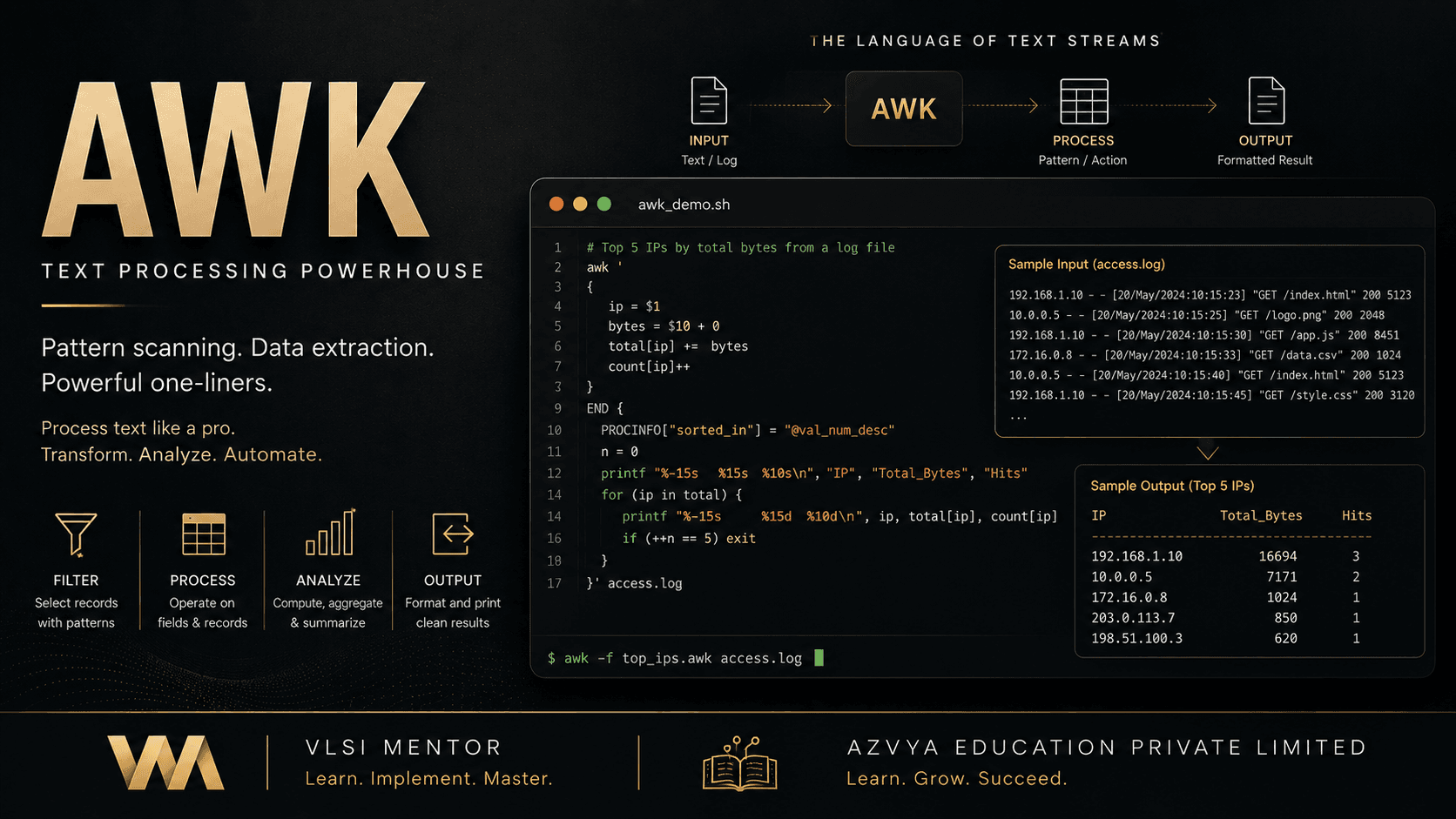
awk is a small programming language, and the command-line tool that runs it, built for text that is already arranged in rows and columns. It reads its input one record at a time — a line, by default — and splits each record into fields on whitespace, so the columns of a report are addressable as $1, $2 and $NF before you have written anything. A program is a list of pattern-action pairs: the pattern selects which records are interesting, the action says what to do with their fields. On top of that it has variables, arithmetic, string functions, associative arrays, user-defined functions and the ability to live in a version-controlled script file rather than a shell one-liner. In a chip project it sits downstream of the tools: simulators, synthesis, timing and coverage engines emit text, and awk is what turns that text into the handful of numbers a person or a dashboard actually reads.
Why it exists
Every stage of a flow produces more text than anyone can read. A nightly regression leaves hundreds of simulation logs; a timing run leaves a report with thousands of path blocks. The answer a team needs from all of it is small — which tests failed, what the worst slack was, whether coverage moved — and getting there is mechanical, repetitive work that is easy to get wrong by hand. A general-purpose language can do it, but first it must open the file, loop, strip the newline, split the line and convert text to a number: five steps of boilerplate before the actual question. awk exists because the row-and-column shape is common enough to deserve a tool that assumes it, which is why a useful extraction is often one line long.
The part engineers get wrong
awk's convenience comes from assuming a shape, and the assumption is the fragile part, not the code. A command written against one tool's report encodes that tool's column positions and spacing; a different vendor, a different version, or a different section of the same report can move them, and nothing announces the change. The failure mode is worse than a crash: a field that is not there is the empty string, which counts as 0 in arithmetic, so a missing column produces a total that is wrong and silent. The same trap applies to meaning — a count of matching lines is not a count of distinct failures, because one root cause commonly prints the same error many times, and finding no error lines does not prove a run passed, since a tool that died during elaboration prints nothing at all. Treating awk output as evidence to be validated, rather than as an answer, is what separates a script a team trusts from one that quietly misreports.
Before you start
- Comfort running a command in a terminal and knowing where your files are
- The ability to read a text file — no programming experience is assumed
- For Part III, familiarity with the reports your own tools emit; the awk is taught, the formats are yours
What you will be able to do
- Extract named columns and filter records by a field's value or by a pattern
- Aggregate a file into counts, totals and worst-case values in a single pass
- Reduce a directory of simulation logs to one row per test with its error count
- Pull slack, endpoints and violation counts out of a timing report
- Aggregate coverage by combining bin counts rather than averaging percentages
- Write awk into a script file with validated input and a meaningful exit status
- Tell a POSIX awk feature from a gawk extension before relying on it
- Debug a command that printed nothing, or the wrong thing, without guessing
The learning path
- Part I — FoundationsWhat awk is and where it fits; the pattern-action execution model; records, fields and separators; patterns and regular expressions
- Part II — awk ProgrammingVariables, operators and control flow; associative arrays, aggregation and functions; input, output and multi-file processing; validation, numeric conversion, portability and tests
- Part III — Semiconductor ApplicationsSimulation and UVM log analysis; timing and STA reports; synthesis and coverage reports; awk inside Bash, Tcl and Python automation pipelines
- Part IV — Engineering PracticeFive complete scripts built end to end, then debugging, performance, review and interview-level reasoning
Core concepts
New to awk? Work through the curriculum in order — each lesson assumes the one before it, and the sequence is what turns the roadmap above into working knowledge.
Already working with it? Use the core-concept links above to jump straight to the topic you need; each one opens the lesson that covers it in most depth.
Where this leads
Standards: IEEE Std 1003.1 (POSIX) — the awk utility — Specifies the language and tool behaviour every implementation is expected to provide; the portable baseline a script written for a compute farm should target · GNU Awk User's Guide — Documents gawk, the most widely deployed implementation, and marks which of its features are extensions beyond POSIX rather than part of the baseline